
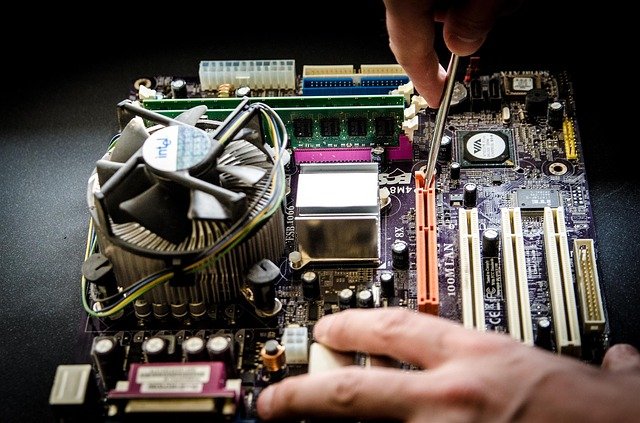
Hello and welcome to another blog article from Tech Advice. Today I want to highlight some common symptoms that can indicate serious hardware issues that need to be resolved immediately. While I should use this opportunity to promote Tech Advice’s services I would recommend getting the device to any technician for immediate repair (I would of course like it if you choose Tech Advice in such situations). Ignoring these symptoms can cause full failure of the device and in some cases loss of data or even property damage. I am going to break the symptoms down by part (see the table at the end if you want an easy reference) and look at the symptoms that way.
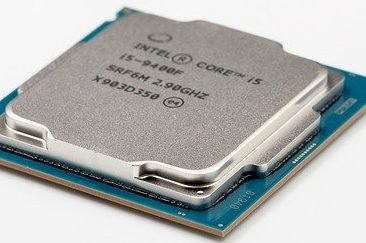
CPU (Central Processing Unit):
The CPU takes all the instructions you give to the computer and calculates how to complete them and what resources the other parts of the computer need to contribute to complete them (the definition of the CPU is extremely complex with every IT professional having their own simplified definition of it, such as describing it like the “brain” of the computer). CPU failure is unlikely to happen and is more likely to occur in very old computers or custom built ones. In addition “failure” is likely to be poor cooling as opposed to a fault with the CPU itself. The most common symptom of CPU “failure” is random computer shutdowns, essentially the PC will shut off without warning as if someone pulled the plug. This is very common if poor cooling is used while running intensive software such as modern video games on high settings. Two other symptoms to look out for (or smell for) are constantly loud fans and a bad smell or even smoke coming from the computer. While outright failure is rare, not having the above issues addressed can cause damage to the CPU itself.
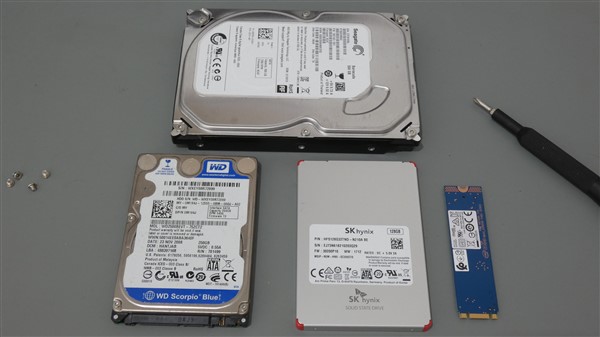
Hard Drive (Storage):
If you have been reading my articles on backing up your data you will have noticed me mention hard drive failure a few times, this is why backing up is so important as it can happen to anyone. The good news is the symptoms of hard drive failure are very noticeable and the data can be transferred to a new one if it is looked at soon enough. The most noticeable symptom is a loud clicking, grinding, or clattering sound coming from the computer; this can also indicate a loose wire hitting of of a fan so it is good to get it checked regardless. The other symptom is extremely slow performance and regular freezing when trying to complete any task on the computer.
PSU (Power Supply Unit):
Next I am going to look at the kinds of symptoms that may suggest the Power Supply of your desktop computer is failing. These symptoms can cause injury or property damage if they occur so read the following carefully. Similar to a CPU, a failing PSU can cause random shutdowns and produce a smell. However, the more dangerous symptoms are smoke and sparks coming from the computer, should this occur, unplug the computer from the socket but only if it is safe to do so, at this point you should either call a certified Computer Technician, or if you are unsure, and are worried about a fire, call 999/112 or the local Fire Brigade.
Laptop Battery:
As laptops have gotten smaller and thinner, the manufacturers have started using Lithium-Ion batteries built in to the devices. These batteries are notorious for starting fires when they fail or are damaged. If you notice swelling or bulging on the outside of your laptop call a technician straight away to have it removed safely as failure to do so promptly could lead to the battery catching fire. Should it catch fire or start to smoke bring it outside but only if it is safe to do so these batteries will eventually fizzle out as long as the laptop is not connected to a socket. Again, if you are worried about a fire call 999/112 for help.
| Part: | Symptoms: |
| CPU | Random shutdowns; bad smell; smoke |
| Hard Drive | Loud clicking, grinding, or clattering; slow performance/regular freezing |
| PSU | Random shutdowns; bad smell; smoke; sparks |
| Battery | Exterior bulging/swelling; smoke; sparks |
Conclusion:
While some of the above symptoms can be quite scary they are also easy to fix if detected early and every certified/qualified computer technician (myself included) is trained to advise you on them and fix/replace them. At this point I should note that CompTIA A+ technicians such as myself, are not qualified to fix PSUs and batteries but we are able to replace them, this is due to the risk of injury from electricity and volatile materials stored within them. The important thing to remember is to be proactive as opposed to reactive with all of the above as the worse the condition the more expensive it will be to repair, and in the case of hard drives the less data that will be recovered.
If you are concerned about any of the above you can call Tech Advice on 085 2533665 or email help@techadvice.ie.
Thanks for reading this article and don’t forget to leave suggestions for future content in the comments either here or on Facebook.
 Tech Advice