

Hello and welcome to another Tech Advice blog article. Today I am going to be looking at 8 pieces of jargon you may come across when connecting to and using the internet.
- Megabytes (MB):
A common measurement used to show the size of a file either on your computer or a file you might be about to download from the internet. It is also used to measure the speed at which a file is transferred from one part of your computer to another or to an external device like a memory stick. As you will see, there is a difference between them and megabits. A megabyte is equal to 1000 KBs (Kilobytes) and 1000 MBs is equal to 1GB (Gigabyte), a 1000 GBs equals 1 TB (Terabyte), and so on.
- Megabits (Mb):
Not to be confused with megabytes, megabits are smaller than megabytes. They are commonly used to measure internet speeds when downloading and uploading data. This is important as Internet Service Providers use Mbps (Megabits per second) to measure their speeds when advertising. This means that if you have a download speed of 20 Mbps it translates to roughly 2 MBps (Megabytes per second), while this is technically not false advertising it can be a little misleading for some people.
- Router:
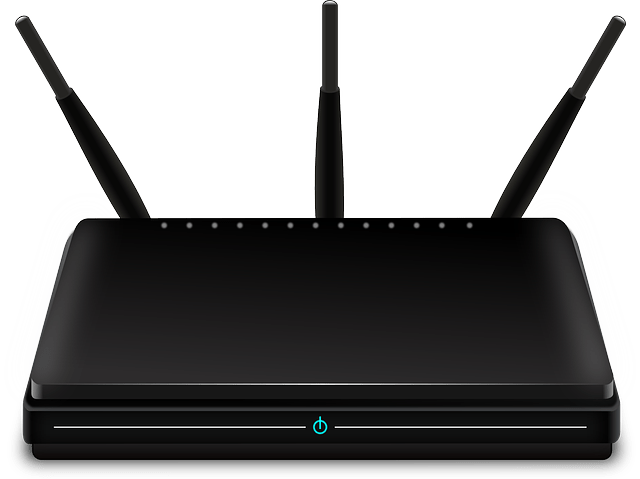
A router is a device that allows you to connect to the internet through a wireless Wi-Fi connection. Some routers also contain a modem and vice versa which can cause confusion as to which you have in your home. Essentially a router creates a local network for all your devices to communicate with each other, such as a laptop and a wireless printer. If it has a modem either as part of it or connected to it, your devices can then connect to the internet.
- Modem:
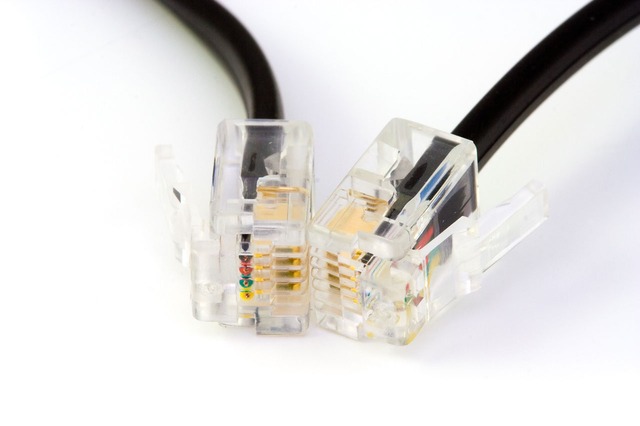
A modem can take several shapes and sizes which will depend on both your computer, and your ISP (Internet Service Provider). The first shape is the one mentioned above where it is part of the router. The second is where the device is on its own and used purely to turn the internet signal coming from your phoneline into data that your computer can understand. The third is like the last one but the device is a part of the computer meaning that your computer is connected to the internet by the phoneline and not a separate device.
- Ethernet Cable:
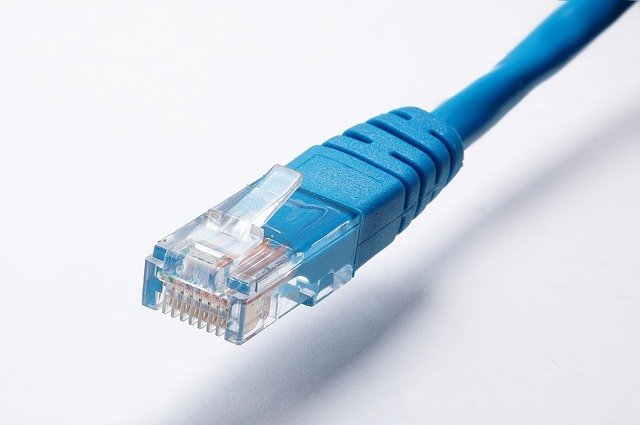
An ethernet cable is used to connect a router or modem to your computer if you need a more secure/faster/low latency internet connection as an ethernet cable can transfer data faster than wi-fi. Low latency refers to keeping the time it takes for data to reach your computer as low as possible after it has been processed by the modem, this is only an issue for situations where any delay could cause issues such as in competitive online gaming.
- VPN:
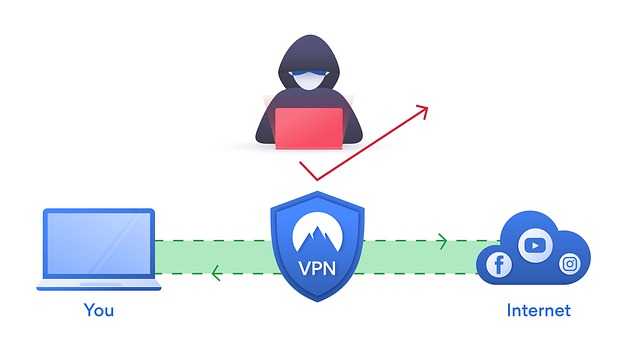
A Virtual Private Network is a piece of software that allows the user to fake their location to websites and keep their device’s IP address (a set of numbers unique to the device) secret from them. VPNs are often used to watch video steaming sites that are region locked e.g., you must be living the USA to watch a specific tv show online without one. Their usage for such things is very grey legally and is not permitted by streaming services such as Netflix. They are very common in business as an added security measure to protect against hackers, and most antivirus software providers offer them to consumers.
- Internet Browser:
An Internet Browser is a piece of software used to access websites on the internet. Popular examples include Google Chrome (Not to be confused with Google search or Chrome OS), Mozilla Firefox, Microsoft Edge, and Apple Safari.
- Search Engine:
A search engine is a website that allows the user to search for a topic online and find another website that answers their question or contains the word that the user searched for. Examples include Google search, Bing, Yahoo search, and Duck Duck Go.

I hope you learned something today that you did not already know. I will be back next week with a similar article so if you have any computer related jargon that you would like me to feature next week let me know in the comments here or on Facebook.
 Tech Advice