
Laptop with a wrench coming out of it

Tune Up Service

Introduction: Hello everyone, today I am going to be looking at Tech Advice’s “new” service, computer Tune Ups. This service was already available as an alternative to an SSD upgrade but was considered a repair. It was decided to make it a standalone service to give it more structure and a more predictable price. I am also trying a new structure for these blog articles … Continue reading Tune Up Service

Laptop with Windows 10 intalled

Introduction to Windows 11

This week Windows 11 was officially launched after being available to those in the Windows Insiders program for the last few months. While some are pointing out Microsoft’s promise that Windows 10 was supposed to be the last version of Windows, others are pointing out the benefits and flaws of the new system. Today I am going to go through the requirements that your computer … Continue reading Introduction to Windows 11

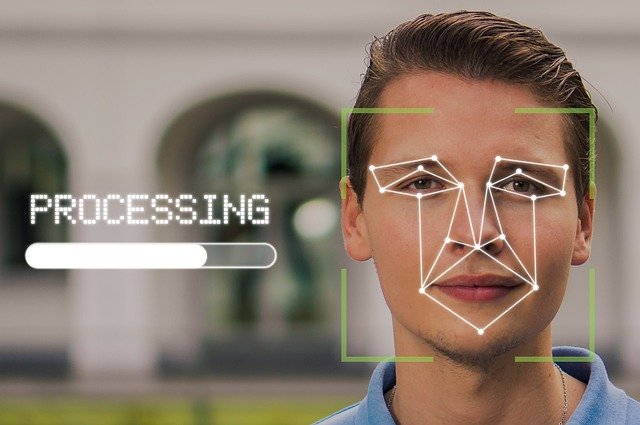
Facial Regocnition Scan

Signing in to Windows without a Password

Hello and welcome to another Tech Advice blog article. Today’s article was inspired by recent reports that Microsoft wants to make passwords a thing of the past when logging into Microsoft devices and accounts (News article from The Verge). This does not include PIN numbers that can also be used to log into Windows computer as a backup. The reasoning behind this is that passwords … Continue reading Signing in to Windows without a Password

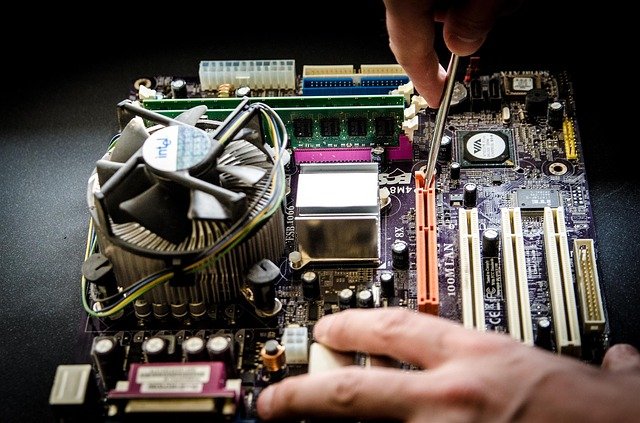
Inside of a PC

Symptoms of Computer Hardware Failure

Hello and welcome to another blog article from Tech Advice. Today I want to highlight some common symptoms that can indicate serious hardware issues that need to be resolved immediately. While I should use this opportunity to promote Tech Advice’s services I would recommend getting the device to any technician for immediate repair (I would of course like it if you choose Tech Advice in … Continue reading Symptoms of Computer Hardware Failure

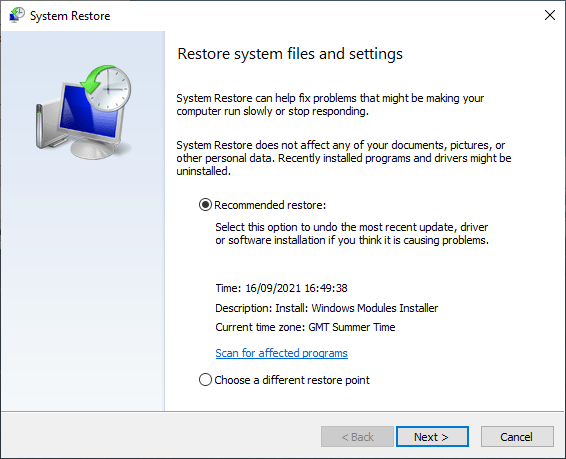
Choosing a restore point

Using Windows 10 or RAID to Backup your Data

Hello and welcome to the next article in my series on backing up your data. Today I am going to look at two software/hardware hybrid solutions. The first one is slightly complicated but does not require much knowledge other than what I present here. The other is fairly complicated from a hardware perspective. The first method is built into Windows and is called System Restore. … Continue reading Using Windows 10 or RAID to Backup your Data

Memory Sticks

Backing Up your Data Using a Memory Stick

Hello and welcome to this third article on Backing Up your Data. Today I am going to look at how to back up your files using a memory stick (This can also be used if you have an external hard drive). Introduction to Memory Sticks: First I want to explain a few things about memory sticks to ensure that you get the best possible experience … Continue reading Backing Up your Data Using a Memory Stick

Cloud Servers

Backing up your Data Using OneDrive

Hello and welcome to my latest blog article, today I am going to show you how to back up your data using the cloud, or to be more specific, using Microsoft OneDrive. In order to do so you will need a Microsoft account, chances are you already have one as Microsoft accounts are used for Outlook, XBOX Live, Hotmail, and Skype. As I mentioned in … Continue reading Backing up your Data Using OneDrive

Cloud Servers

Introduction to Backing Up your Data

In today’s blog I am going to look at why you should back up your data and what you need to do so. Backing up your data is more important than ever. Whether its your prized holiday photos or boring legal documents knowing how to back up this data is vital in an age of viruses, malware, and simple accidents. Just to be clear I … Continue reading Introduction to Backing Up your Data

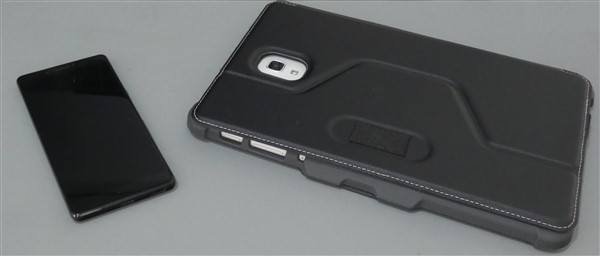
A smartphone and a tablet PC

Device Assistance

Welcome to the second blog in my series highlighting the services that Tech Advice offers. Today I will be looking at the various forms of assistance that Tech Advice provides for those devices that you carry with you or use daily including: computers, smartphones, and tablets/iPads. Computers: Not to be confused with repairs, which I covered in the previous blog post, computer assistance involves helping … Continue reading Device Assistance